

Live sessions · Digital workflow with G-CAM
One hour of digital workflow with G-CAM, every Tuesday
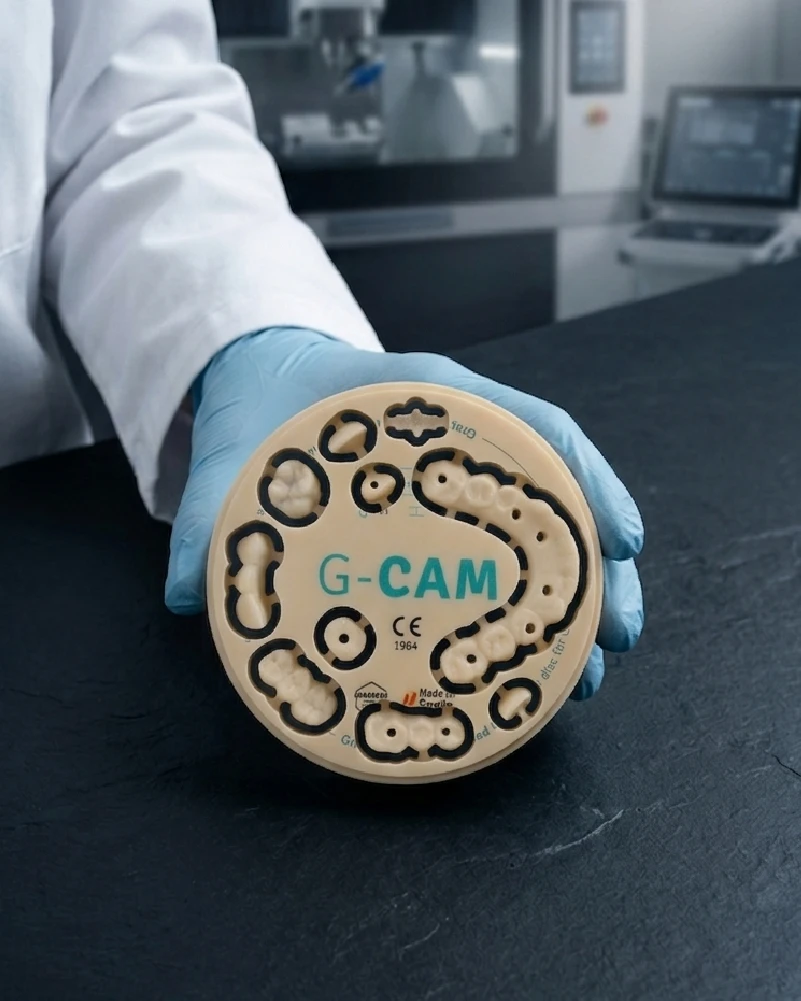
Terça do Fluxo Digital is the live class series by Prof. Dr. Ana Paula Pita and GDB Distribuidora. Real clinical cases, protocols and CAD/CAM materials explained step by step, from scanning to cementation.
- Every Tuesday · 7:00 pm Brazil
- Online and live on Youtube
- In Portuguese, with captions in your language
- Free · Access on request
Practical information
Everything you need to know
When
Every Tuesday at 7:00 pm (Brasília time).
Where
Online and live on Youtube, from your computer or phone.
Language
The class is delivered in Portuguese. Each participant can turn on captions on their own screen.
Cost
Free. Every session is recorded.
Speaker
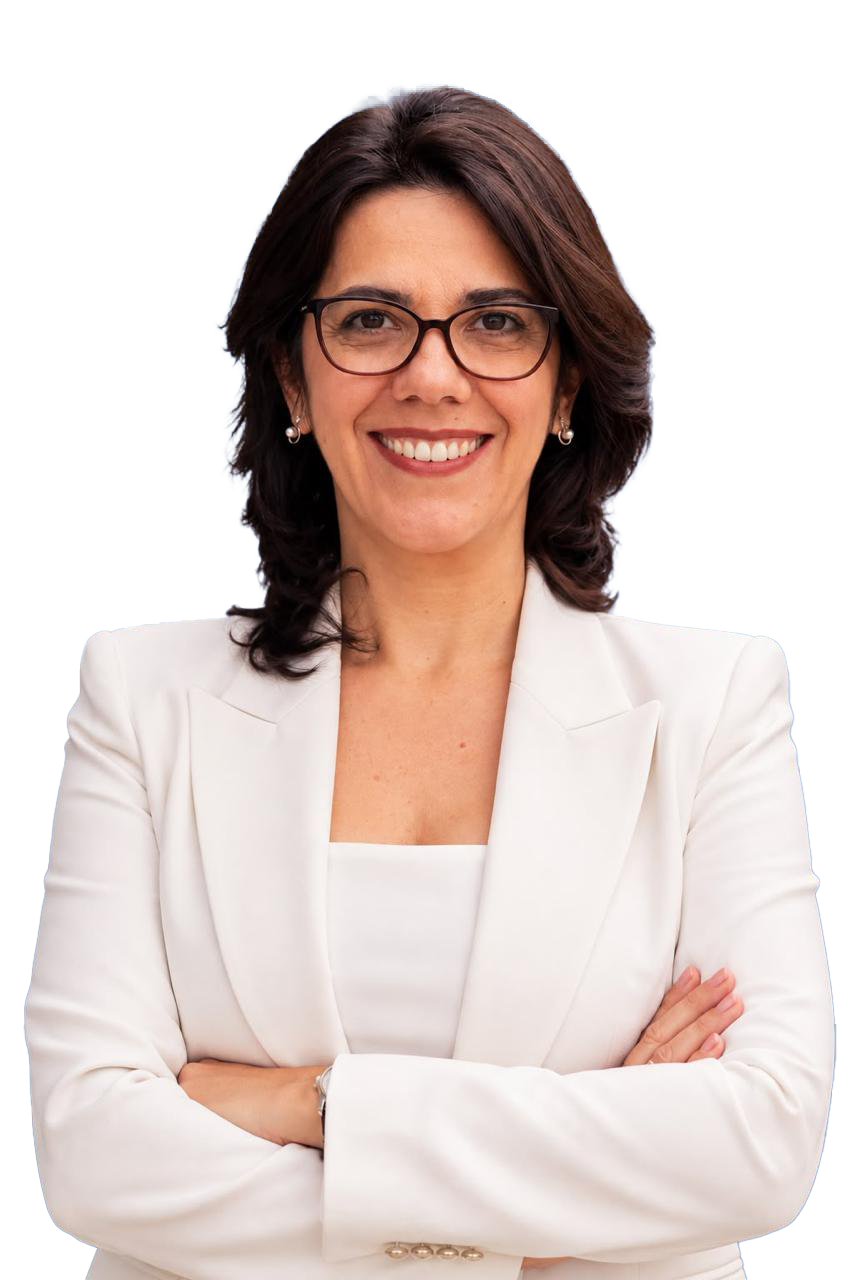
Prof. Dr. Ana Paula Pita
Graphenano Dental key opinion leader in Brazil and part of the GDB Distribuidora team. Every Tuesday she shares live how she integrates G-CAM into the clinic and lab digital workflow: indications, design, milling and cementation, with real clinical cases.
Programme
Topics covered so far
A new topic every Tuesday. These are some of the topics already covered; when we send you access, we will tell you the topic of the next session.
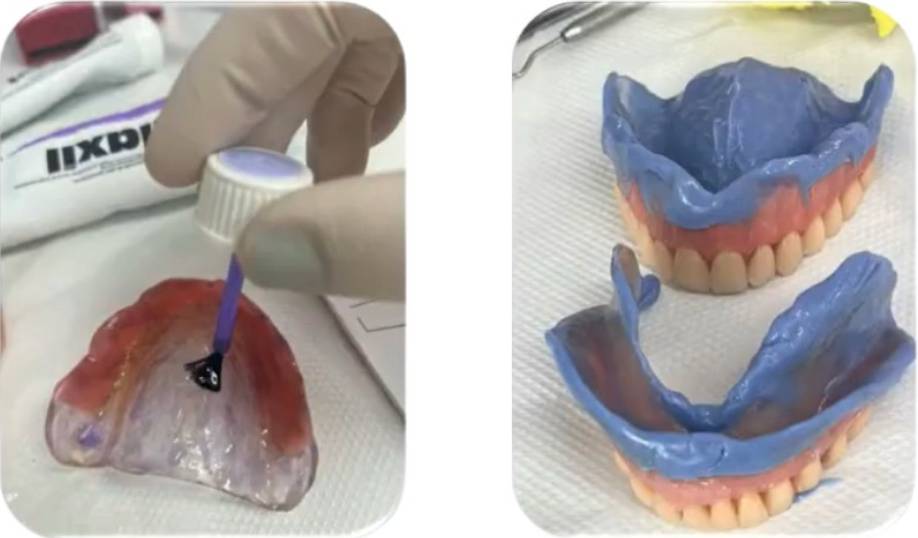
Complete dentures and overdentures in the digital workflow
- Scanning and digital records of the edentulous patient
- Virtual tooth set-up and aesthetic try-in
- Overdentures: attachment pick-up and milling
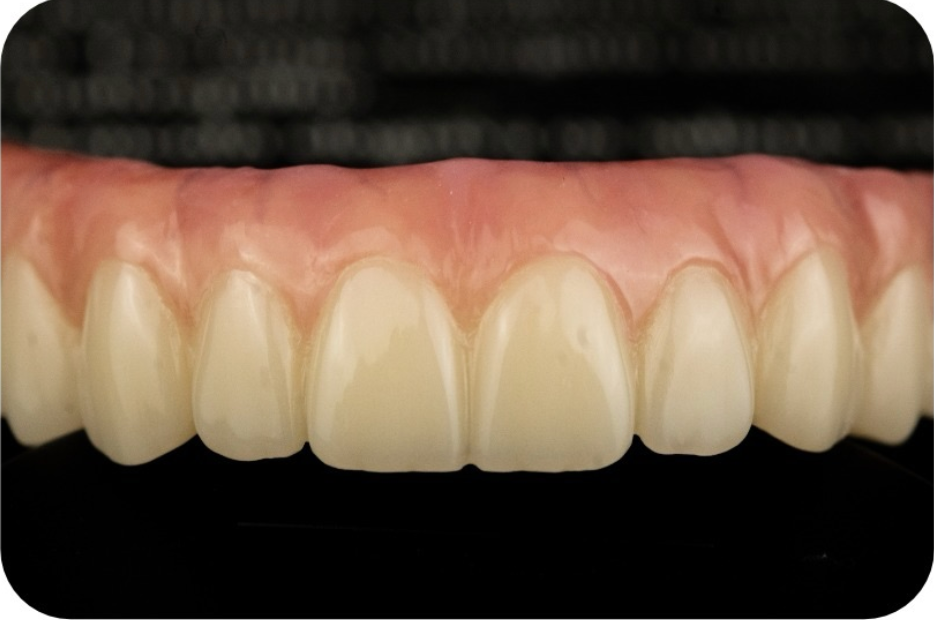
Bar-free full-arch protocol
- Indications for the protocol without a metal bar
- Scanning with scan bodies and implant position
- Material, design and milling of the monolithic piece
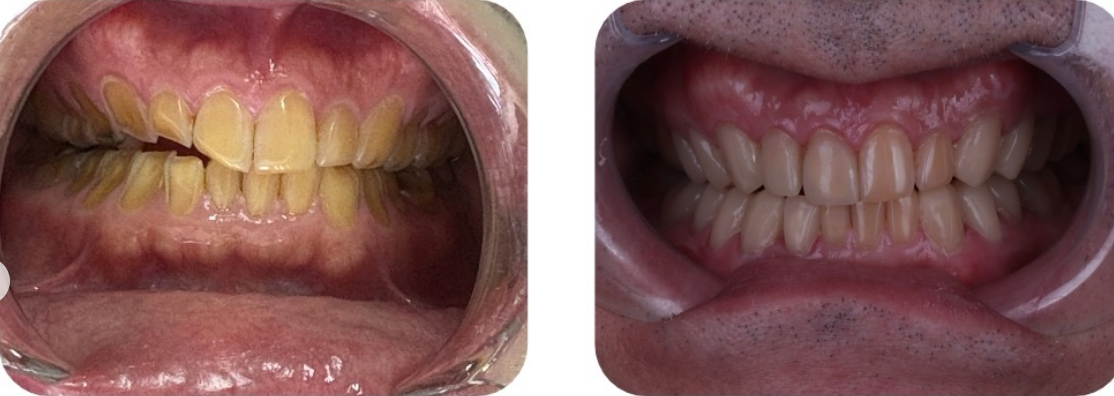
How to rehabilitate bruxist patients
- Diagnosis and occlusal planning for bruxist patients
- Choosing a material that withstands high loads
- Night guard and treatment maintenance
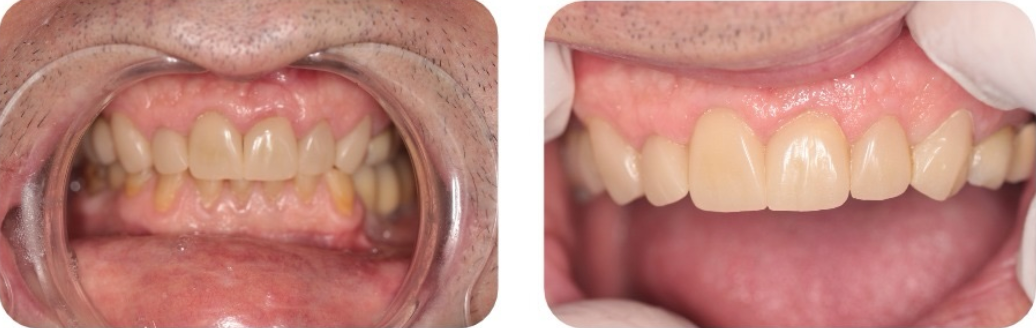
Veneers and contact lenses in G-CAM
- Properties and indications of graphene G-CAM
- Minimally invasive preparation and scanning
- Design, milling and cementation of the lenses
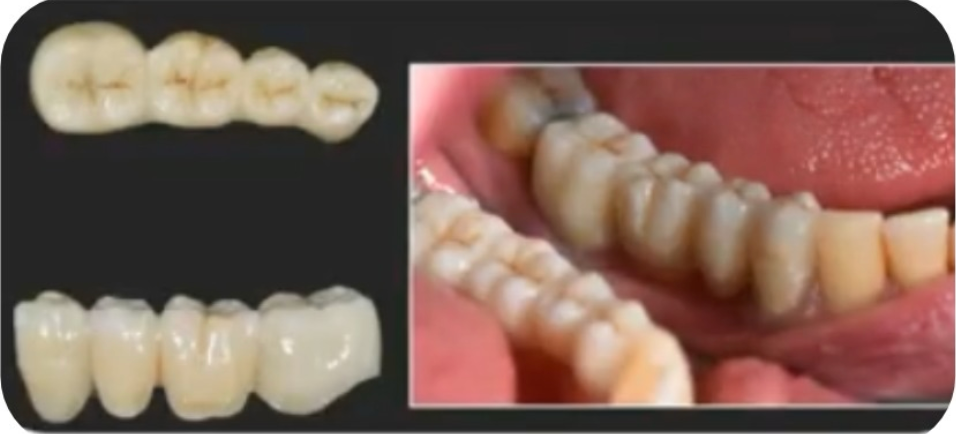
Fixed partial dentures without framework
- Monolithic bridges without a metal framework
- Sizing the connectors and the pontic
- From scanning to cementation in a digital workflow
Captions
Follow the class in your language
Youtube captions are turned on individually: they only change your screen and do not affect other participants.
Translated captions: if your Google Workspace account or plan includes translation, you can read the captions in your language. If the option does not appear, you can follow the session with Portuguese captions.
- In the video player’s bottom bar, click the CC (Subtitles/closed captions) button to turn captions on.
- Click the Settings icon (gear) in the same bar.
- Click Subtitles/CC.
- Select the language spoken in the session: Portuguese.
- If the option is available, click Auto-translate (below) and choose the language you want to read the captions in.
- Tap the video so the player controls appear.
- Tap the CC icon at the top of the screen to turn captions on.
- Tap the three-dot icon in the top-right corner.
- Select Captions.
- Choose the language and confirm.
How it works
How to get access
1. Request access
Fill in the form with your details and professional profile.
2. We review your request
The Graphenano Dental team confirms your registration.
3. Get the link
We send you the Google Meet link and instructions by email and WhatsApp.
4. Join on Tuesday
Join at 7:00 pm (Brazil) and turn on captions if you need them.
We don’t publish the link openly, so we can send you access and session details personally.
Registration
Request access
Leave us your details and we will send you the link to join the next session.
- Youtube access link
- Reminder before the session
- Instructions to turn on captions
- Technical information on G-CAM, if you request it
We process your data to manage your access to the sessions. See our privacy policy.
Questions
Frequently asked questions
Is there a fee?
No. The sessions are free; you just need to request access.
What time is it in Spain?
The session starts at 7:00 pm Brasília time, which is 11:00 pm in mainland Spain during winter time. During summer time, it starts at 00:00 (already Wednesday).
What language is it in?
Portuguese. You can turn on captions on your screen and, if your Google account allows it, read them translated into your language.
Do I need to already work with G-CAM?
No. The sessions are designed for clinics, labs and CAD/CAM technicians who already work with G-CAM or want to get to know it.
Do I need to install anything?
On a computer, your browser is enough. On a phone, we recommend installing the Google Meet app.
See you on Tuesday
Discover live how G-CAM works in the digital workflow, with real cases and time for questions.